
Aerobet Casino Login
Access your account in seconds and start playing your favorite games right away.
Games at Aerobet Casino






Game Library






Accessing your Aerobet Casino account is quick, needing just your email and password and taking under two minutes. If you cannot sign in, solutions for forgotten passwords, unverified emails, self-exclusion blocks, and browser issues are below. For all other problems, live chat assistance is available 24/7.
How to Log In: Step-by-Step
Registration at Aerobet Casino uses email, so you log in with the email address you provided and your chosen password. No additional two-factor authentication is used, meaning you won't need to enter any extra code.
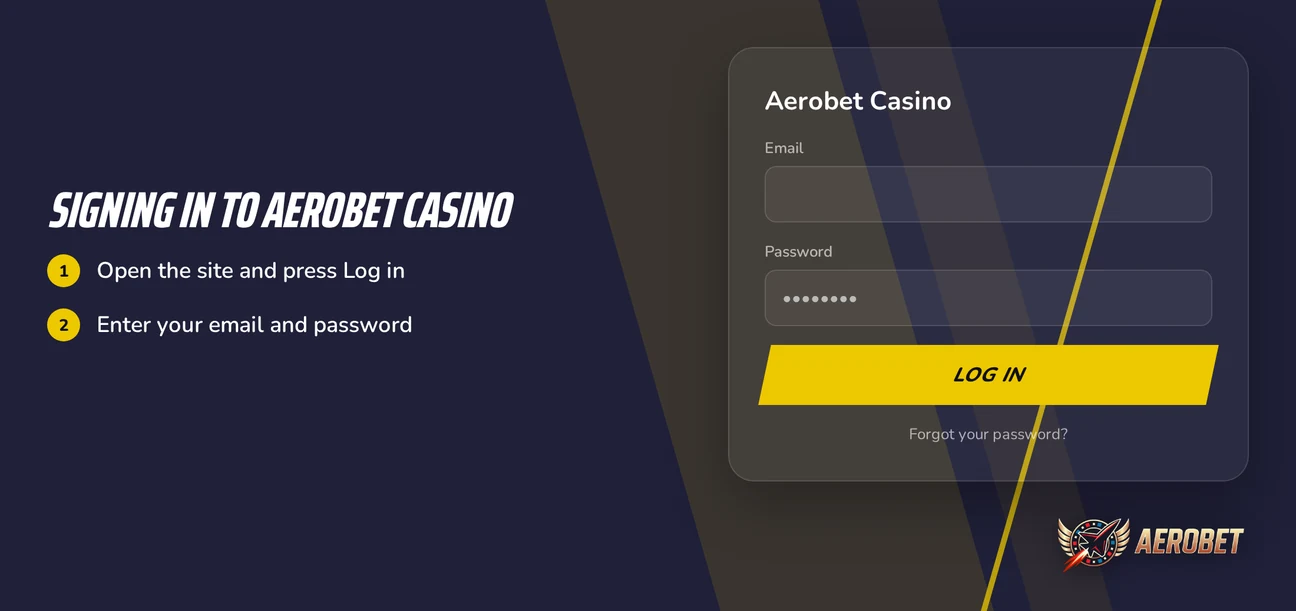
Start by visiting the Aerobet Casino website in your browser.
Select the Login button.
Type in the email address and password associated with your account.
Send the form to gain access to your account.
First-time players must verify the email received upon signing up. You supply your birth date during registration, so uploading documents is not required before your initial login.
Login Problems and Fixes
A few common reasons account for most login failures. Identify your issue from the list and follow the corresponding solution.
| Problem | Likely Cause | Quick Fix |
|---|---|---|
| Wrong password message | Typo, caps lock or an old saved password | Retype manually, then reset the password if it still fails |
| Account not recognised | A different e-mail than the one used at sign-up | Try your other e-mail addresses |
| Login blocked after sign-up | Sign-up e-mail not confirmed | Open the confirmation e-mail, check spam, or ask live chat |
| Account closed to play | Active self-exclusion period | Wait for the period to end or contact live chat |
| Page loads but login fails | Old cookies or cached data | Clear cookies and cache, then retry |
When a browser issue is suspected, clear its local data. This is a self-service step that takes effect right away.
- Navigate to your browser's settings and locate the privacy or history section.
- Choose cookies and cached data for the Aerobet Casino domain.
- Remove these items and close all website tabs.
- Visit the site again and attempt to sign in.
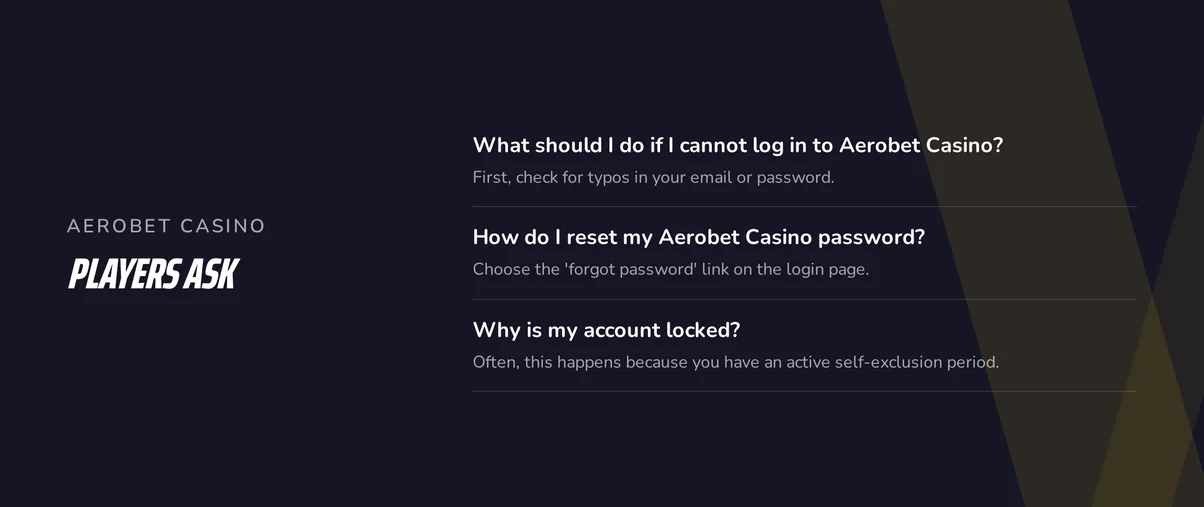
Testing in a private browser window offers a fast check. If login succeeds there, outdated stored data was likely the problem.
How to Reset Your Password
Initiate a password reset when you cannot recall yours or the system repeatedly denies access. You begin the process, and final confirmation happens via email.
- Go to the login page on the Aerobet Casino website.
- Click the link for forgotten passwords.
- Provide the email address connected to your account.
- Find the message that arrives and follow its steps to create a fresh password.
- Sign in using the new password.
Look in your spam folder if the message is missing. Use a unique password not shared with other sites, as Aerobet Casino uses password and email confirmation as its main security.
Account Locked or Suspended
A locked account might be due to a self-exclusion you placed. Aerobet Casino provides on-site self-exclusion periods, and you cannot play while one is active.
| Self-Exclusion Period | Who Sets It |
|---|---|
| 24 hours | You, on the site |
| 7 days | You, on the site |
| 1 month | You, on the site |
| 3 months | You, on the site |
| 6 months | You, on the site |
If you are uncertain what is blocking your account, try these steps in order:
- Make sure you opened and confirmed the sign-up email.
- See if a self-exclusion period is still in effect.
- Use live chat and describe the message you get at login.
- Carry out the steps support provides for your account.
If gambling is causing stress, Gambling Help Online gives free support at 1800 858 858 or gamblinghelponline.org.au.
KYC Verification
Aerobet Casino checks new accounts with an email confirmation and the date of birth you give at sign-up. Both are part of registration, so skipping the email can leave an account stuck.
Check these if your account seems pending:
- You opened the sign-up confirmation email and clicked its link.
- The email address on the account is typed correctly.
- The date of birth you gave matches your real one.
Support deals with anything else. Contact live chat with your registered email, and the team will explain what your account still requires. Until resolved, consider the account not ready for login.
Logging In on Mobile
Aerobet Casino does not have an iOS or Android app, so all phone logins happen via the mobile browser. The login form, password reset, and live chat function just like on a computer.
| Feature | Status |
|---|---|
| iOS app | No |
| Android app | No |
| Mobile browser site | Yes |
| Biometric login | No |
| Push notifications | No |
Since there is no biometric login, you enter your email and password each time unless your browser saves them. If the mobile page fails to log you in, clear cookies and cache in your phone browser using the same four steps.
Contact Support
English-language support is available around the clock. For matters like locked accounts or unconfirmed emails, use live chat to receive the quickest response.
| Channel | Availability | Language |
|---|---|---|
| Live chat | 24/7 | English |
| 24/7 | English |
Please have your registered email address to hand. Describe the exact error message you see at login to help support resolve the issue more quickly.
FAQ
Gambling is only for adults aged 18 and over. Set spending limits you can afford. Take regular breaks. Stop playing if it's no longer enjoyable.